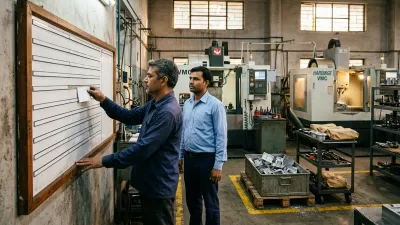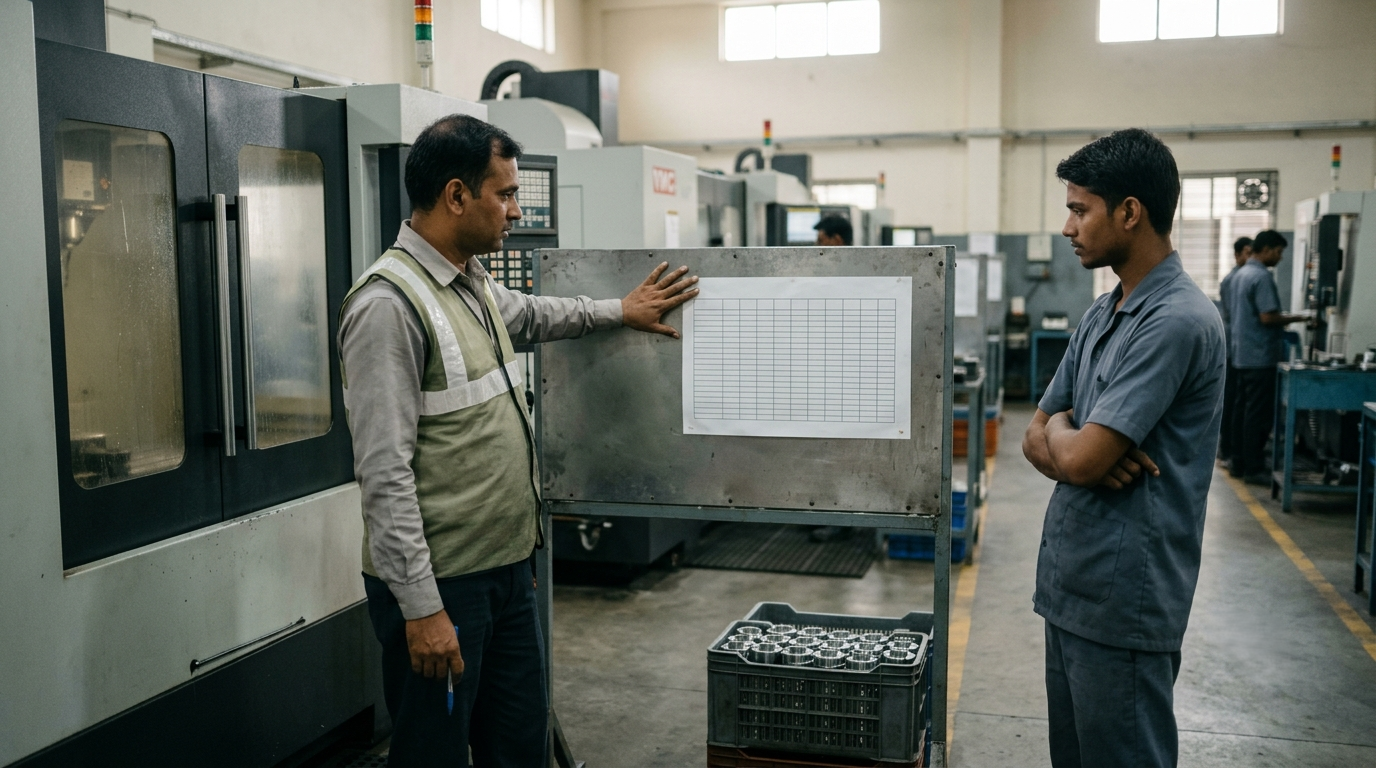
It's 7:45 a.m. and the plan is a column of job numbers in a spreadsheet, or a list in the planner's head. By 11 a.m. a customer has called, a material delivery hasn't arrived, and a setup took twice as long as expected. By noon, the operators are deciding what to run next for themselves.
The fix is rarely a better schedule. It's a better daily production plan format: a single page that answers, for every machine, what runs now, what runs next, whether it's ready, and what happens when something goes wrong. This guide gives you that format, field by field, a worked example, a daily production report format, a 15-minute routine to fill it in, and free printable sheets to start with.
What is a daily production plan? It is a one-page sheet that tells each machine what to run today and in what order, whether each job is ready, and who is fixing whatever is blocked. Its twin is the daily production report: written after the shift, it records what each machine actually made, what was rejected and why anything was missed. Both are covered below, on the same page.
Why Most Daily Plans Don't Survive the Morning
Most daily plans are an order list with today's date on it. They fail for four predictable reasons:
- They list jobs, not machines. An operator needs to know what his machine runs next, not what the shop owes customers.
- They include jobs that aren't ready. The plan says run it, but the material, program, tooling or drawing isn't there. The machine runs something else and the plan stops being the plan.
- They load every machine to 100%. There's no room for a long setup, a short breakdown or one urgent job. So the first surprise breaks everything after it.
- Nobody records what didn't happen. The same causes repeat every day, because nobody wrote them down. For why this keeps happening, see Why CNC Schedule Fails Every Single Day.
The One-Page Daily Production Plan Format
A daily plan that the floor follows has five blocks on one page (A4 for the office, A3 for the wall):
| Block | What it holds | Why it's there |
|---|---|---|
| 1. Header | Date, shift, who prepared it, time of last update | Tells everyone which version is current |
| 2. Must-not-slip jobs | The 3 to 5 jobs that are late or due in the next day or two | Puts the real priorities at the top, so people don't pick by who is shouting |
| 3. Machine lines | One line per machine: running now, next job, quantity, planned hours, ready check, notes | The core of the plan, read by operators and supervisors |
| 4. Problems and outside work | Blocked jobs with an owner and a time, and outside work due back today or tomorrow | Makes sure every blocker has a person, not just a note |
| 5. End-of-day result | Done or not done for each machine line, and a reason for each not done | Closes the loop, and feeds tomorrow's plan |
Block by Block: What to Write
1 Header
Date, shift, the name of the person who owns the plan, and the time it was last changed ("updated 2:15 p.m."). It looks minor, but it's the only thing that stops two different versions being used at once.
2 Must-not-slip jobs
List the jobs that are already late or due within a day or two, in the order they must be finished, with the customer and the due time. If everything is on this list, nothing is, so keep it to 3 to 5. For how a shop ends up with everything urgent, and what to do about it, see When Every Job Is Urgent.
3 Machine lines
One line per machine, with these columns:
- Machine and operator.
- Running now: the job and operation on the machine at the start of the shift.
- Next: the job that follows, so the operator never has to ask.
- Quantity and planned hours, including setup.
- Ready check: material, program, tooling and drawing, each marked yes or no. Only jobs with four yeses are planned to start.
- Notes: anything the operator must know, such as a special tool or a first-piece inspection.
4 Problems and outside work
Every item that blocks a job gets three things: what is wrong, who is fixing it, and by what time. "Material delayed" is not enough. "Material for job 2417, Ramesh calls the supplier at 9:30" is. Add outside work (heat treatment, plating, grinding) due back today or tomorrow, with the person who chases it.
5 End-of-day result
At the end of the shift, mark each machine line done or not done and write the actual good pieces and the rejected pieces. For every line not done, write one reason from a short fixed list:
The marked-up plan is also what you hand to the next shift: see a shift handover checklist for the lines to add.
| Code | Reason |
|---|---|
| M | Material not available |
| P | Program or drawing not ready |
| T | Tooling or fixture not available |
| B | Breakdown or maintenance |
| S | Setup or run took longer than planned |
| Q | Quality issue or rework |
| C | Priority change or urgent job added |
| O | Operator or staff not available |
| L | Previous operation late |
After two weeks, count the codes. The most common one is where your plan is breaking, and it's rarely the one people guess.
Copy-Ready Format: Paste It Into Excel, Word or Google Sheets
Here is the whole page as one table. Put the header line (date, shift, prepared by, last updated) above it and the must-not-slip jobs and problems list beside or below it. The first seven columns are filled in before the shift. The last four are filled in at the end of it.
| Machine | Running now | Next job | Planned qty | Planned hours | Ready (M / P / T / D) | Notes | Done? | Actual qty (good) | Rejected | Reason code |
|---|---|---|---|---|---|---|---|---|---|---|
In the ready column, M is material, P is program, T is tooling and D is drawing. Mark each yes or no, and plan to start only jobs with four yeses. Copy the table into a spreadsheet or a Word page, add one row per machine, and print it.
Example: One Machine Line, Morning and Evening
An example of the machine block for three machines (the jobs and numbers are hypothetical):
| Machine | Running now | Next | Qty | Hours | Ready | Result | Actual (good) | Rejected | Reason |
|---|---|---|---|---|---|---|---|---|---|
| VMC 1 (bottleneck) | Bracket, op 10 | Housing, op 20 | 120 | 6.0 | Yes | Done | 120 | 3 | |
| VMC 2 | Flange, op 20 | Plate, op 10 | 200 | 5.5 | Material: no | Not done | 0 | 0 | M |
| CNC 1 | Shaft, op 10 | Shaft, op 20 | 50 | 4.0 | Yes | Done | 50 | 0 |
VMC 2's next job was planned with the material not ready. The plan shows it before the shift starts, so someone can chase it at 8 a.m. instead of discovering it at 11. If the plan had read "Plate, op 10" with no ready check, the operator would have found out when he went to load it. That one column is what turns a list into something the floor can act on.
Daily Production Plan vs Daily Production Report
People often search for both, and they are two halves of the same page:
| Daily production plan | Daily production report | |
|---|---|---|
| Written | Before the shift | After the shift |
| Question it answers | What should each machine make today? | What did each machine make, and what went wrong? |
| Main content | Jobs, order, planned quantity and hours, ready check, blockers | Actual good pieces, rejected pieces, run hours, downtime, reason codes |
| Used by | Operators and supervisors | Owner, planner and the person who answers customers |
You don't need a second form. The last four columns of the format above already make a simple daily production report. To turn it into a report in Excel:
- Add a column for run hours and one for downtime hours, if you want machine time as well as pieces.
- Add variance: actual quantity minus planned quantity.
- Add rejection percentage: rejected pieces divided by good plus rejected pieces.
- Fill it in at the end of each shift, from the machine lines and the operators' own counts.
- Once a week, count how often each reason code appears. That count is your list of what to fix.
In the example above, VMC 1 made its 120 good pieces and rejected 3, which is a rejection rate of about 2.4%. VMC 2 made nothing, and the reason is one letter: M. A week of lines like these tells you more than any single day's total.
How to Fill In the Plan: A 15-Minute Daily Routine
- Close yesterday (4 min): enter done or not done and the reason for each machine line.
- Update the must-not-slip list (2 min): what is late or due in the next day or two?
- Check readiness (3 min): for each candidate job, material, program, tooling and drawing. Not ready means not on the plan; it goes on the problems list with an owner.
- Load the bottleneck first (3 min): plan the busiest machine, then the machines that feed it. If you're not sure which one it is, here's how to identify bottlenecks in manufacturing.
- Leave room (1 min): plan the shift at around 80% of available hours on busy machines, and keep the rest for overruns and one urgent job.
- Print, pin, brief (2 min): one version, at the machines, and a short standing briefing before the shift starts.
Two rules keep it alive: one owner who changes the plan, and changes go on the plan first, then people are told. If the plan changes by shouting, it stops being the plan within a day. If the one owner is always the shop owner, see how to hand day-to-day decisions to the floor.
Handling the Disruptions That Break Every Plan
- A new urgent job arrives: decide what it displaces and write that on the plan. If you can't say what moves, you can't take the job without breaking another promise. Customers who change schedules often are covered in When the OEM Changes the Schedule. To give the date for the job that moves, see how to promise a delivery date you can keep.
- A machine breaks down: move the bottleneck's work first, and change the plan once, not through five separate conversations.
- Material or a program is late: the job leaves the machine line and goes to the problems list with an owner and a time. The machine's next ready job moves up.
- Someone asks "where is my job?": the plan answers for today's work. For everything else, see "Where Is My Job?".
Paper, Whiteboard, Excel or a System?
| Paper / whiteboard | Excel | Workflow system | |
|---|---|---|---|
| Best for | A few machines, one supervisor | One planner, a stable mix | Many jobs, frequent changes, several people updating |
| Strength | Seen by everyone, no setup | Calculates load and hours | Always current, updated by the people doing the work |
| Weak point | Gets wiped, no history | Versions, one key person | Needs clear rules first, like every method |
The format works the same way on all three. Start with whichever you will actually keep up to date. If you plan in Excel, Production Planning in Excel covers the four-tab setup behind the daily sheet.
Free Daily Plan Sheets
Two free files to start with, no sign-up:
- Daily Job Board (PDF): a printable sheet with every open job, customer, due date, machine, where it is now and what comes next. Print it on A3 for the wall, or copy the columns onto a whiteboard.
- CNC production planning template (Excel): its Daily Plan tab gives a printable plan per machine, with done or not done and a reasons summary. To make it a daily production report, add columns for actual quantity and rejected pieces next to the Done column.
Both files are Excel or PDF. If you work in Word or Google Sheets, paste the copy-ready table above.
Download the Daily Job Board (PDF)
Download the CNC production planning template (Excel)
When a Daily Plan Isn't Enough
A good format makes the plan clear. It doesn't make the plan hold. If you fill it in carefully and it is still out of date by mid-morning, the cause is usually in how work is released, how priorities change and how information moves between the office and the floor. Those are workflow problems, and no sheet fixes them on its own.
How We Solve This
At KeshRaghTech we start with an Operational Workflow Review: we watch how your plan is made, how it changes during the shift, and where it breaks. Then we design the release, readiness and priority rules around your bottleneck, and deliver them as a workflow application built around how you run, so every machine's plan, every blocker and every end-of-day result is visible in one place, not on three versions of a sheet. We coach your team until the daily plan is the plan, whoever is on shift.