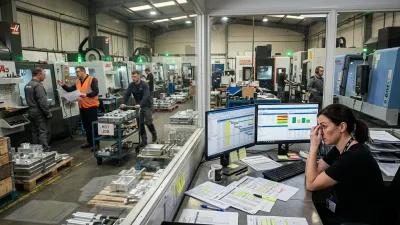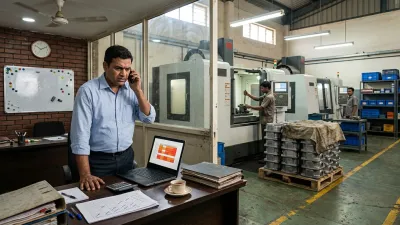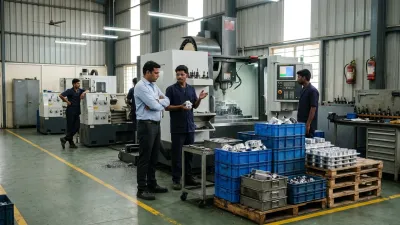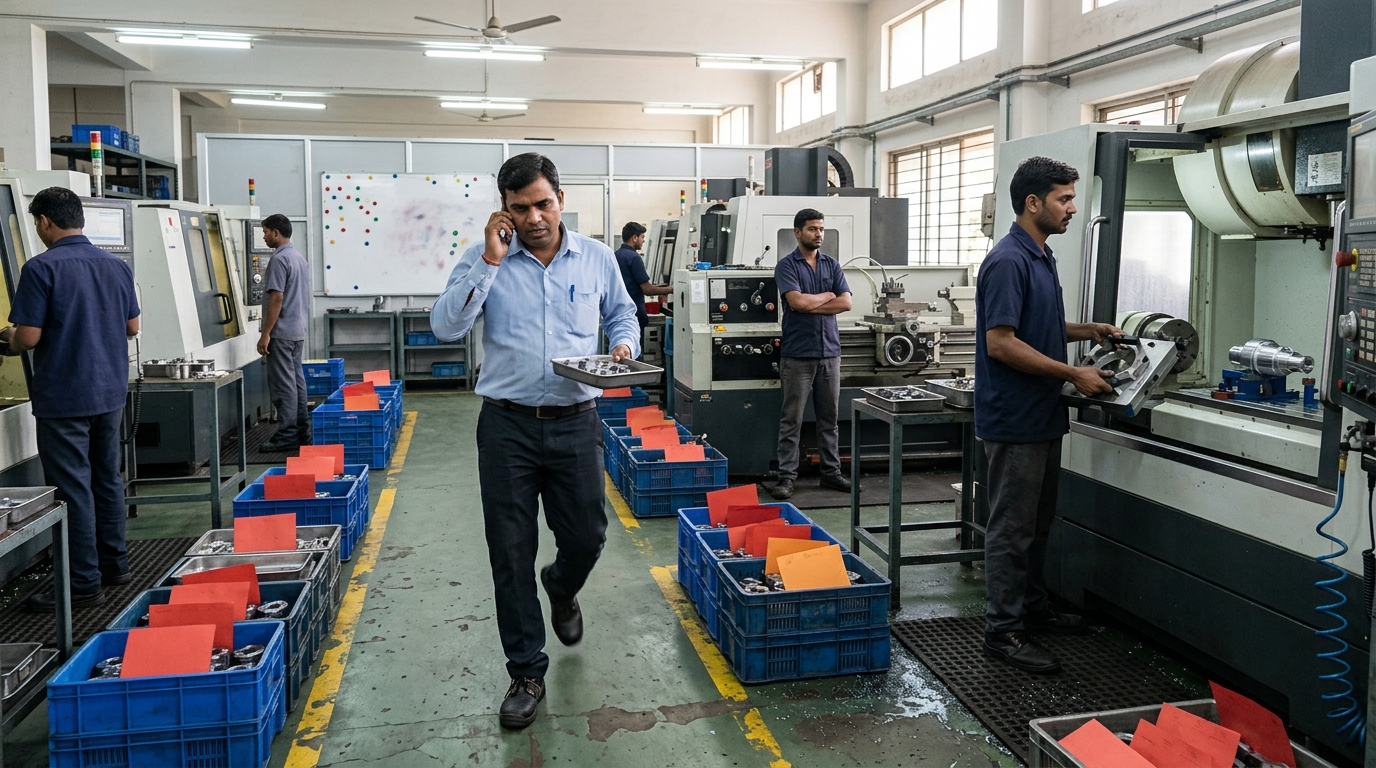
It's 9 AM and the priority meeting is already going wrong. Sales has a list of urgent orders. The owner has two jobs a big customer called about last night. The supervisor has his own list of jobs that are late. Half the jobs on the floor already carry a red "urgent" tag, and someone is walking a basket of parts from one machine to the next because "this one can't wait".
By evening, the urgent jobs that shipped are celebrated, the ones that didn't are tomorrow's emergencies, and a few normal jobs nobody looked at all week have quietly become late. Tomorrow, they'll be urgent too.
If every job in your shop is urgent, you're not dealing with a busy week. You're dealing with a pattern. Expediting in manufacturing is meant to be the exception: pushing one job ahead when it really matters. In many CNC job shops it has become the way work moves, and it's one of the main reasons deliveries stay late no matter how hard everyone works. This article explains how the expediting spiral works, why shops fall into it, what it costs, and the steps that get priorities back under control.
What Expediting Looks Like on the Floor
You'll recognise most of these:
- Urgent, hot or "top priority" tags on a large share of open jobs
- Machines stopped mid-run so a hot job can be set up, then set up again later for the job that was interrupted
- A person, often the supervisor, who spends the day carrying jobs between machines and chasing operators
- Normal jobs that only move when the customer phones
- Different people giving the floor different priorities, sometimes within the same hour
- Urgent jobs that still go out late, because they were waiting for material or a program
- Operators who no longer react to the urgent tag, because everything has one
None of this comes from lazy people. It comes from a system where urgency is the only way to get anything done.
The Expediting Spiral: Why Every Job Becomes Urgent
Expediting has a side effect that's easy to miss: every job pushed ahead pushes other jobs back. Those jobs don't disappear. They wait longer, get closer to their due dates, and eventually become urgent themselves. Then they get expedited, pushing more jobs back.
Here's how it typically builds in a shop with around 40 open jobs (the numbers are hypothetical):
| Week | Hot jobs | What happens |
|---|---|---|
| 1 | 4 | A big customer calls; four jobs jump the queue. Seven normal jobs wait a few extra days. |
| 2 | 8 | Three of those seven are now close to their due dates and get tagged urgent, plus one new customer call. |
| 3 | 13 | Machines are stopped mid-run almost daily. Setups lost to interruptions eat capacity, so even more jobs slip. |
| 4 | 18 | Nearly half the floor is urgent. The tag means nothing; priority now goes to whoever shouts loudest. |
No single decision in that table is wrong. Each expedite helped one customer. Together they turned a manageable week into a shop where every job is urgent and most are late.
The spiral also feeds itself through capacity. Every interruption costs a setup, and every setup is machine time that produced nothing. The more you expedite, the less capacity you have, and the more jobs fall behind.
Why Shops Fall Into It
1. Too much work is released to the floor
When every order goes to the floor as soon as it arrives, queues get long and every job waits. Long waits mean more jobs near their due dates, and more candidates for "urgent". This is the same mechanism behind WIP that keeps increasing.
2. Nobody owns priorities
If the owner, sales and the supervisor can all change what runs next, the floor gets three sets of priorities. Each is reasonable on its own. Together they make sure nothing runs in a stable sequence.
3. Dates are promised without checking capacity
A delivery date agreed on the phone, without looking at the load on the busiest machine, is often a hot job in waiting. When it can't be met in the normal sequence, it has to be expedited. Customer schedule changes do the same, which we cover in When the OEM Changes the Schedule.
4. Jobs aren't ready when they're released
A job goes to the floor before material, program or tooling is confirmed. It stalls halfway, falls behind, and comes back as urgent. Many "hot" jobs are really blocked jobs.
5. Firefighting gets rewarded
The supervisor who saves a delivery with a heroic Saturday gets thanked. The one who prevents the problem with a quiet, stable plan doesn't. Over time, the shop learns that urgency is how things get done.
What Expediting Really Costs
Expediting feels cheap because its costs are spread out and rarely measured:
- Lost machine time: every interrupted run means an extra setup, often on the machine you can least afford to lose time on.
- Longer lead times for everyone else: each hot job adds waiting time to every job behind it.
- More WIP: interrupted jobs sit half-finished on the floor, tying up cash and space.
- Supervisor time: the person who should be running the shift spends it chasing individual jobs. Much of that chasing starts with one question: "where is my job?"
- Overtime: weekend shifts to recover what the interruptions cost during the week.
- Quality risk: rushed setups and skipped first-off checks are where mistakes and rework come from.
- Lost meaning: once everything is urgent, the shop has no way left to say "this one really matters".
The last one is the most expensive. When a genuinely critical order arrives, there's no signal strong enough to move it.
How to Stop the Expediting Spiral: 7 Steps
1. Count your hot jobs
Before changing anything, count: how many open jobs are marked urgent today, and how many of those are actually ready to run (material, program, tooling, drawing)? Write both numbers down. This is your starting point, and it's usually a surprise.
2. Name one priority owner
One person, usually the planner or production manager, owns the priority list. Sales and the owner still bring customer needs to them, but nobody else changes what runs next on the floor. One owner means one list.
3. Write a simple priority rule
Most job shops can run on three classes:
- Hot: a customer line at risk, or a firm commitment already at risk. Strictly limited.
- Due: due this week or next, sequenced by due date.
- Normal: everything else, sequenced by due date.
Within each class, due date decides. That's the whole rule. Its value comes from everyone using the same one.
4. Cap the hot list
Set a fixed limit, for example no more than three hot jobs on the floor at once. To add a new one, the priority owner takes another off the list or agrees a later date for it. The cap forces the real question: "Is this more urgent than the three we already have?" Often the answer is no.
5. Make hot jobs ready before they jump
A hot job only goes to a machine once material, program, tooling and drawing are confirmed. Otherwise it stops a machine and then waits on it, which is the worst of both. A job that isn't ready isn't hot. It's blocked, and the fix is to unblock it.
6. Expedite at the bottleneck, not everywhere
Interrupting a machine with spare capacity costs little. Interrupting the bottleneck costs output for the whole shop. Put hot jobs in the right place in the bottleneck sequence and let other machines follow. If you're not sure which machine that is, here's how to identify bottlenecks in manufacturing.
7. Release less, and review once a day
Release new jobs to the floor at the pace the bottleneck can process them, not as soon as orders arrive. Shorter queues mean fewer jobs drift towards their due dates. Then hold a 15-minute priority review at a fixed time every morning. Priority changes happen there, not throughout the day, except for real emergencies agreed by the priority owner.
A Simple Rule for Declaring a Job Hot
Before any job gets an urgent tag, the priority owner answers five questions:
| Question | Why it matters |
|---|---|
| What happens if it ships on its normal date? | Separates real urgency (a stopped customer line) from preference |
| Is it ready to run? | A job without material or program can't be rushed |
| Which job moves back to make room? | Makes the trade-off visible instead of hidden |
| Who tells that job's customer? | Stops the delayed job becoming next week's surprise |
| When does the hot tag come off? | Prevents jobs staying "hot" forever |
If a request can't answer the first question with a real consequence, it doesn't need a hot tag. It needs a realistic date.
Example: Getting Out of the Spiral
Take an example shop (hypothetical, but typical): 45 open jobs, 17 tagged urgent. The first count shows that 9 of the 17 aren't ready to run: 5 are waiting for material, 3 for a proven program and 1 for a fixture.
- Week 1: the planner becomes the only priority owner. The 9 blocked jobs lose their hot tags and go on a "make ready" list with a named person for each problem. Of the 8 ready jobs, only 3 have a real customer consequence. The hot list starts at 3.
- Week 2: new requests go through the five questions. Most get a realistic date instead of a tag. The daily review starts at 9 AM.
- Weeks 3 to 6: with fewer interruptions, the bottleneck loses fewer hours to extra setups, and normal jobs start finishing before they turn urgent. The hot list stays between 2 and 4.
The work didn't get smaller and the customers didn't change. What changed was that urgency became a decision instead of a reflex, and the floor could finally follow one sequence.
Signs It's Working
- The hot list stays small, and everyone on the floor knows which jobs are on it
- Machines are rarely stopped mid-run
- The supervisor spends the day running the shift, not carrying jobs
- Normal jobs finish without a customer call
- When a truly critical order arrives, the shop can move it quickly, because "urgent" means something again
Where to Start This Week
- Count today's urgent jobs, and how many of them are actually ready to run.
- Name one priority owner and tell the team.
- Set a hot-job cap and start the 15-minute daily priority review.
- Take the hot tag off every job that isn't ready, and put it on a make-ready list instead.
It won't feel comfortable for the first week, because saying "not hot" feels risky. Within a few weeks, the shop usually finds it delivers more on time by rushing less.
How We Solve This
At KeshRaghTech we start with an Operational Workflow Review: how jobs become urgent in your shop, who changes priorities, and what expediting really costs you in setups, overtime and late deliveries. Then we design clear priority, release and readiness rules with your team, and deliver them as a workflow application built around how you run, so there's one priority list, every hot job has a reason and an owner, and the floor always knows what to run next. We coach your team until working this way is routine.
Related reading: Why CNC Schedules Fail Every Day · Why Your WIP Keeps Increasing · When the OEM Changes the Schedule · Where Is My Job?