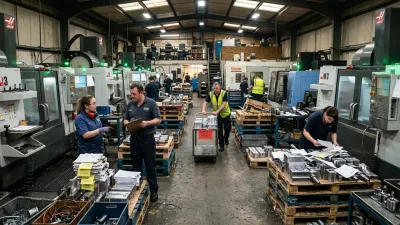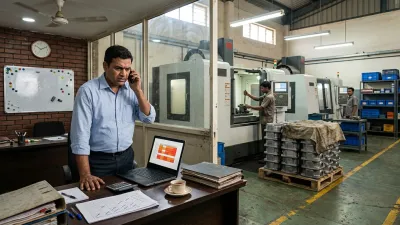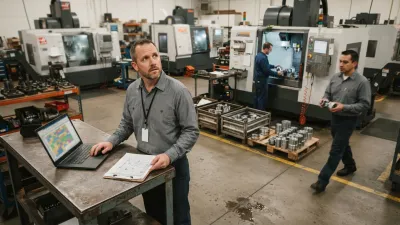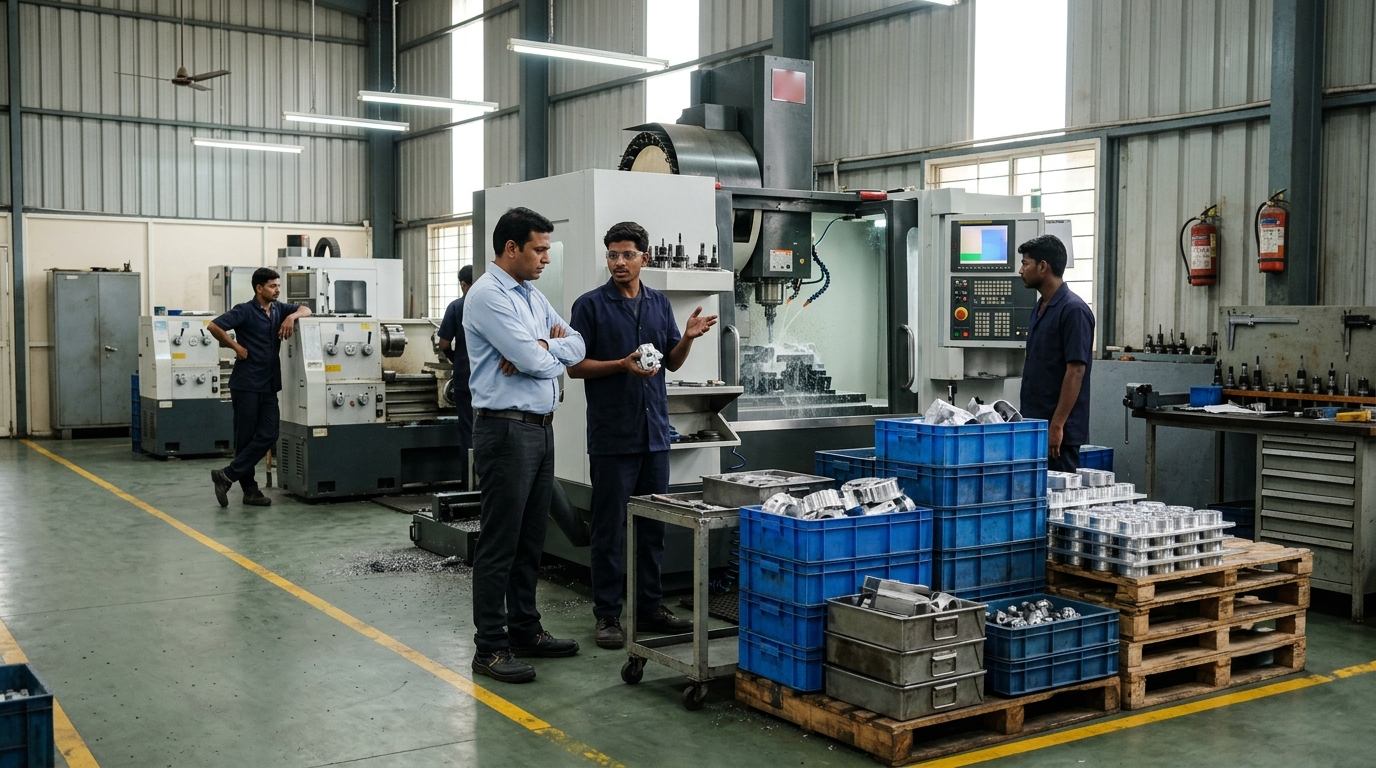
Ask five people in a CNC job shop where the bottleneck is and you'll often get five answers. The owner says the lathes, because they never stop. The planner says the 5-axis. The supervisor says programming. The operators say inspection. And jobs keep going out late.
Knowing how to identify bottlenecks in manufacturing matters more in a job shop than anywhere else, because the bottleneck decides how much you can ship, and in a high-mix shop it doesn't sit still. Most guides assume a production line making one product, where you can walk along the line and spot the pile of parts. A job shop with fifty different jobs on the floor needs a different approach.
This guide covers what a bottleneck really is in a job shop, why it's so hard to see, five practical checks to find it, a worked example, and what to do once you've found it.
What a Bottleneck Really Is (in a Job Shop)
A bottleneck is the step with the least capacity compared with the work it receives. It sets the pace for the whole shop: an hour lost there is an hour of output lost for everyone, while an hour saved on any other machine changes nothing about what ships this week.
Two things make job shops different:
- It's not always a machine. The constraint is often a person or a step around the machines: the one programmer, the setter everyone waits for, first-off approval, the CMM, or an outside process like heat treatment or plating.
- It moves. A month of long turning jobs can make the lathes the limit. A new customer with complex milled parts moves it to the 5-axis. Fix one bottleneck and the next one appears.
Why Bottlenecks Are Hard to See in a CNC Job Shop
1. The busiest machine looks like the bottleneck
A lathe running long batches all day shows high utilization, yet it may have plenty of spare hours for what's actually due. Meanwhile a machining center at 70% utilization has a week of work queued in front of it. Busy isn't the same as constrained. That's why machine utilization numbers are lying to you.
2. Work piles up everywhere
When more work is released than the shop can process, every machine gets a queue. The real constraint disappears behind WIP that keeps increasing all over the floor.
3. Expediting hides the queue
Urgent jobs get carried past the queue by hand, so the queue never looks as long as it is. The bottleneck is still there. It's just being bypassed one rush job at a time. Here's how that habit grows until every job is urgent, and how to stop it.
4. Nobody counts the steps between machines
Most shops track machines. Few track how long jobs wait for a program, a tool, a fixture or an inspection signature, which is exactly where many job shop bottlenecks live. It's also where jobs get lost, which is why so many shops can't answer "where is my job?"
How to Identify Bottlenecks in Manufacturing: 5 Checks
No single check is reliable on its own in a job shop. Run all five for a week. The step that shows up in three or more of them is your bottleneck.
1. Count the queue every day for a week
At the same time every morning, walk the floor and count the jobs waiting in front of each machine and each non-machine step: programming, setup, inspection, deburr, outside processing. Write down the estimated hours of work waiting, not just the number of jobs. A step whose queue stays long, or keeps growing, all week is a strong candidate. One day's count tells you little: you're looking for the queue that never clears.
2. Compare load with available hours
For each machine and key person, add up the hours of work planned for the next one to two weeks (setup plus run time). Divide by the hours really available in that period: shifts × hours per shift × availability, where availability is the share of time it can actually work after breaks, maintenance and changeovers. Anything near or above 100% is a constraint. If you plan in a spreadsheet, the free template in production planning in Excel does this calculation for you.
3. Follow your last ten late jobs
Take the last ten jobs that shipped late and trace where each one waited the longest. In a job shop, delays cluster: if six of the ten sat in front of the same machine or the same person, you've found it, whatever the utilization reports say.
4. Look for machines starved of work
Machines after a bottleneck often stand idle, waiting for parts. If your grinders or the inspection room keep running out of work while jobs are clearly on the floor, look upstream: the step feeding them is the likely constraint.
5. Ask what people wait for
Ask each operator and the supervisor one question: "What do you wait for most?" A program, a setter, a tool, an inspection, a crane, a decision. Operators feel the bottleneck every shift. Their answers, put next to the queue count, are often the quickest confirmation.
Example: The Machine Everyone Blamed
Take an example shop (the numbers are hypothetical). Two shifts, six days a week, about 77 hours available per machine after breaks and changeovers. One inspector, one shift, about 48 hours. The owner is sure the lathes are the problem: they run all day, so the plan is to buy a third one. Here's what a week of checks showed (planned hours for next week, and the average number of jobs waiting each morning):
| Resource | Planned hrs | Available hrs | Load | Queue |
|---|---|---|---|---|
| Lathe 1 | 58 | 77 | 75% | 2 |
| Lathe 2 | 51 | 77 | 66% | 1 |
| VMC 1 | 64 | 77 | 83% | 3 |
| VMC 2 (4th axis) | 92 | 77 | 119% | 7 |
| Inspection | 41 | 48 | 85% | 4 |
The lathes were busy, but they had spare hours. VMC 2, the only machine with a 4th axis, had 19% more work than it could do and the longest queue every morning. Seven of the last ten late jobs had waited in front of it. That's the bottleneck. A third lathe would have made the lathes faster at producing parts that then queue for VMC 2.
Notice inspection too. At 85% load with a queue of its own, it's next in line. Speed up VMC 2 and inspection becomes the bottleneck, which is why the checks have to be repeated.
What to Do Once You've Found It
The order matters. Spending money comes last.
1. Never let it wait
Send the bottleneck only jobs that are ready to run: material in, program proven, tools and fixture available, drawing clear. Stage the next job before the current one finishes. Every minute it waits for something avoidable is lost output for the whole shop.
2. Protect its hours
Keep it running through breaks and shift changes where you can. Give it first call on maintenance, setters and first-off inspection, so it never sits idle waiting for a signature.
3. Cut setup time on it
Preset tools offline, standardize fixtures, and group jobs that share a setup. On the bottleneck, an hour of setup saved is an hour of shop output gained. On other machines it rarely is.
4. Move work off it
Route simpler jobs to other machines, even if they run slower there. Slower on a machine with spare hours is still faster for the shop.
5. Plan everything else around it
Schedule the bottleneck first, then plan the other machines to feed it, and release new work at the pace it can take. Running every other machine flat out just builds WIP in front of it. This is also the second step in building a CNC schedule that holds.
6. Only then add capacity
If it's still overloaded, now add capacity: overtime on that machine only, outsourcing specific operations, or a new machine. By this point you'll know exactly which capacity to buy, and how much.
Then run the checks again. When the bottleneck moves, that's not a failure. It means the fix worked.
How Often to Look Again
Check machine load once a week as part of planning: it takes minutes once the data is in place. Repeat the full set of checks whenever the job mix changes: a new customer, a new part family, a large order, a machine added or retired. In a job shop, last quarter's bottleneck may not be this quarter's.
A shop that knows its bottleneck promises delivery dates based on the load there, not on how busy the floor looks. That alone removes a lot of what breaks production flow.
How We Solve This
At KeshRaghTech we start with an Operational Workflow Review: we trace how jobs really move through your floor, measure where they wait, and identify the step that limits your output, including the ones between the machines. Then we design release, priority and readiness rules around that constraint, and deliver them as a workflow application built for how you run, so the queue at the bottleneck, its load and every job's status are visible to the whole team as work moves. We coach your team until protecting the bottleneck is routine.
Related reading: Why Machine Utilization Numbers Are Lying to You · What Breaks Production Flow in CNC Job Shops · Production Planning in Excel for CNC Job Shops · When Every Job Is Urgent · Where Is My Job?