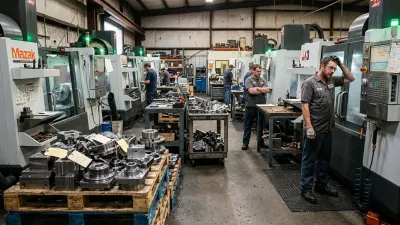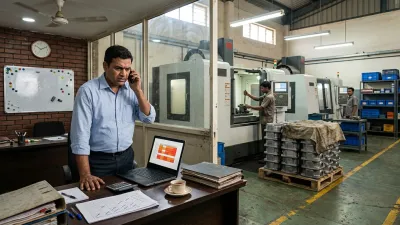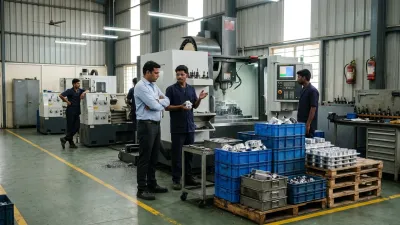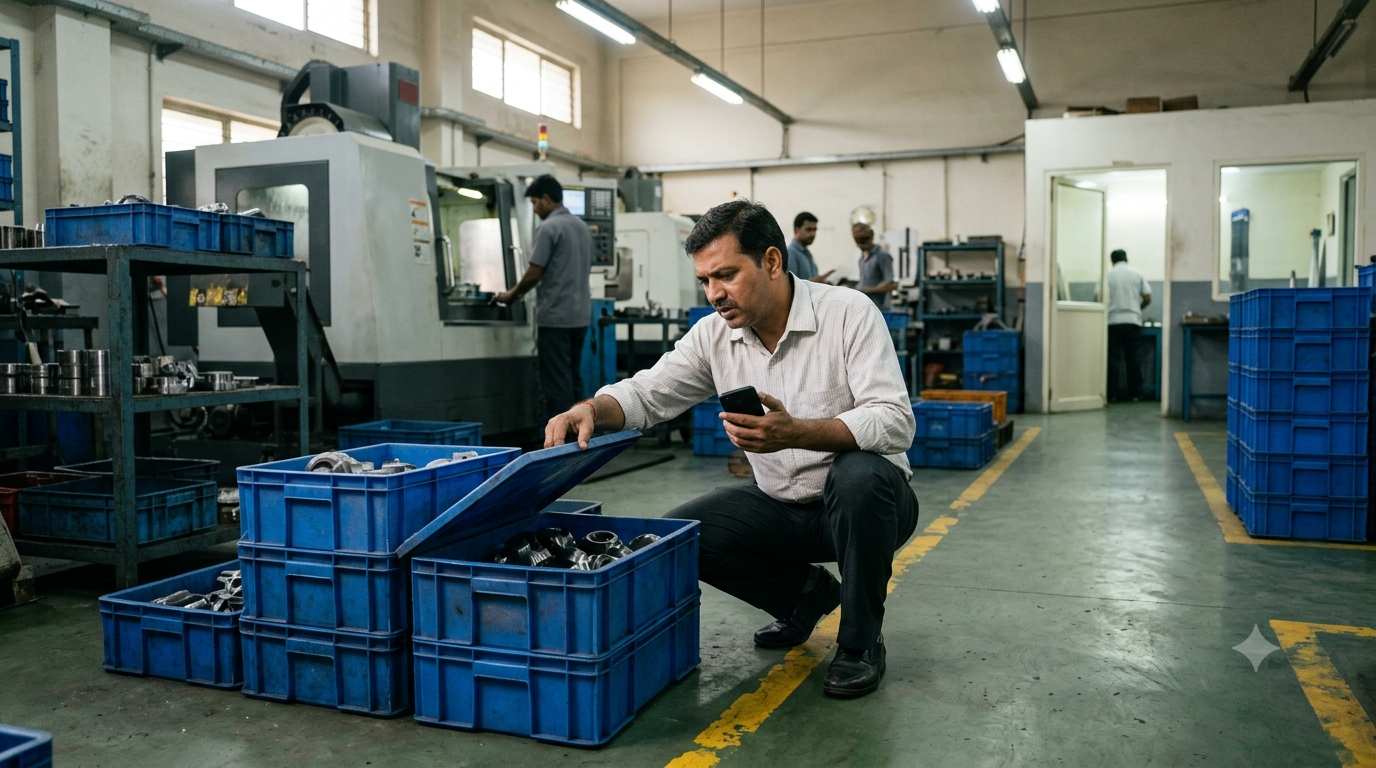
It's 11 AM and a customer calls: "Where is my order? You said Thursday." The owner says, "Let me check and call you back," and goes looking. The planner's sheet says "in progress". The supervisor thinks it finished turning yesterday. Twenty minutes later, the parts turn up in a crate behind VMC 2, waiting for inspection since Tuesday. Nobody had noticed.
That call happens several times a day in many CNC job shops. Each one costs time, and each one tells the customer something you'd rather they didn't know: you aren't sure where their job is either.
Most advice on job tracking in a machine shop starts with software: sensors on machines, tablets, dashboards. Those can help, but they don't fix the real reason nobody knows where a job is. This article explains that reason, where jobs actually spend their time, what useful job status looks like, and six steps to know where every job is without walking the floor.
What "Where Is My Job?" Really Costs
One status call looks harmless. Add them up across a day in a typical 30 to 50 person shop (the numbers are hypothetical, but most owners recognize them):
| Who | What they do | Time per day |
|---|---|---|
| Owner | Answers customer calls, walks the floor to check | 1 to 1.5 hours |
| Supervisor | Answers questions from the office, finds jobs, chases operators | 2 hours |
| Planner or sales | Calls the floor before every customer reply, updates the sheet | 1 hour |
That's four to five hours of senior people's time, every day, spent finding information that already exists somewhere in the shop. And the time isn't the biggest cost:
- Late jobs are discovered late. A job stuck since Tuesday is found on Thursday, when the customer calls, not when there was still time to recover.
- Customers lose trust. "I'll call you back" twice in a week tells the buyer you're not in control.
- Jobs get expedited blind. When nobody knows a job's status, the safe move is to rush it, which feeds the cycle where every job is urgent.
- The shop depends on one person. When the supervisor is on leave, nobody knows where anything is.
Why Nobody Knows Where the Job Is
1. Status lives in people's heads
In most shops, the most accurate job tracking system is the supervisor's memory. It's fast and often right, but it can't be searched, shared or checked from the office, and it goes home at the end of the shift.
2. The job card disappears with the job
A paper job card travels with the parts, which is good. But once it leaves the office, nobody can see it without finding the crate. Thirty job cards on the floor means thirty places to look.
3. Updates happen late, in batches
Where there is a system or spreadsheet, it's often updated at the end of the shift, or when an operation is finished and someone remembers. For most of the day, the status on the screen is hours or days old.
4. Shops track machines, not jobs
Machine monitoring tells you a spindle is running. It doesn't tell you which jobs are waiting in front of that machine, or that one has been parked behind it since Tuesday. Busy machines and lost jobs often go together, which is part of why machine utilization numbers are lying to you.
5. Waiting has no status
Most tracking only knows two states: "in progress" and "done". The time between operations, when a job is waiting for the next machine, for inspection, for a program or for an outside process, has no status at all. That's a problem, because it's where jobs spend most of their time.
Where a Job Really Spends Its Time
Follow one job through an example shop (hypothetical, but typical): 200 flanges, turned, milled, inspected, sent out for plating, then dispatched. The quoted lead time is three weeks.
| Step | Working time | Waiting time |
|---|---|---|
| Released, waiting for material | - | 2 days |
| Turning on Lathe 1 | 3 hours | - |
| Queue for VMC 2 | - | 3 days |
| Milling on VMC 2 | 5 hours | - |
| Queue for inspection | - | 2 days |
| Inspection | 1 hour | - |
| Out for plating (including transport) | - | 5 days |
| Final check and dispatch queue | 1 hour | 1 day |
| Total | About 10 hours | 13 working days |
The job is being worked on for about ten hours of a thirteen-day journey. For almost all of that time, it's waiting: in a queue, in a crate, at a supplier. Waiting time is also where jobs get lost, stuck or forgotten.
So when a customer asks "where is my job?", the honest answer is usually "waiting somewhere". Good job tracking is mostly about knowing where it's waiting, and for what. That's also why WIP keeps increasing in shops that can't see it.
What Job Status Should Actually Tell You
Useful job status answers four questions, for every open job:
| Question | Example answer |
|---|---|
| Where is it? | Operation 2 of 4, in the queue at VMC 2 |
| What state is it in? | Waiting, running, on hold, out (at a supplier) or done |
| If it's stuck, what for, and who's fixing it? | On hold: fixture needed. Owner: toolroom. Since Wednesday |
| Will it make its date? | On track, at risk or late |
If anyone in the office can answer those four questions for any job without a phone call, you have shop floor visibility. Nothing more is needed to answer a customer, and nothing less will do.
How to Know Where Every Job Is: 6 Steps
1. Agree a few statuses everyone uses
Keep it short: Waiting (for which operation), Running, On hold (with a reason), Out (at an outside supplier) and Done. Five words the whole shop understands are worth more than twenty that nobody uses consistently.
2. Update at the handoff, not at the end of the shift
The person who moves a job updates its status at that moment: when an operation starts, when it finishes, when a job goes on hold or leaves the building. On a board or a simple screen, that takes seconds. Updating at the end of the shift means the status is wrong for most of the day.
3. Keep status in one place
One board, one sheet or one system, not a planner's spreadsheet plus a supervisor's notebook plus a WhatsApp group. If there are two places, they disagree, and people go back to walking the floor.
4. Make "on hold" loud
Every job on hold gets a reason, an owner and a date: "fixture, toolroom, since Wednesday". On-hold jobs are where delivery surprises come from, so they should be the most visible thing on the board, not the least.
5. Give every crate an identity and a place
Every crate or pallet carries its job card or tag. Each queue has a marked place: in front of each machine, at inspection, ready for dispatch, out for processing. A crate in the right place with a tag can be found in seconds. A crate "somewhere near the VMCs" can't.
6. Review once a day
Ten minutes every morning: go through every job that's on hold or at risk of missing its date, and agree an action for each. This is where problems are caught on Tuesday instead of Thursday. Customer replies then come from the board, not from a walk around the floor.
Paper, Whiteboard, Spreadsheet or System?
The tool matters less than the rules above. Each option can work at the right size:
| Tool | Works well when | Breaks down when |
|---|---|---|
| Job cards only | Very few jobs, one person runs the floor | Anyone else needs status without finding the crate |
| Whiteboard | One building, one shift, status needed on the floor | The office or customers need it, or it isn't kept current |
| Shared spreadsheet | One planner, updates at fixed times | Several people update at once, or updates fall behind |
| Workflow system | Status updated by the people doing the work, visible to everyone | The rules (statuses, holds, handoffs) aren't agreed first |
Many shops start with job cards and a board, then outgrow them. If you plan in Excel, our guide to production planning in Excel includes a template with operation-level status. And whatever you choose, an ERP alone won't solve it, for the reasons in why ERP systems don't fix operational chaos.
Example: From Floor Walks to a Morning Review
Take an example shop (hypothetical): 35 people, around 60 open jobs, a planner, one supervisor per shift. Before: status lived with the supervisors, and the owner handled 10 to 15 status calls a day, most needing a floor walk.
- Week 1: five statuses agreed. Every crate gets a job tag. Marked queue areas are taped out at each machine, inspection and dispatch.
- Week 2: a whiteboard in the production office, one row per open job. Operators and the supervisor move the job's magnet at every handoff. The 10-minute morning review starts.
- Weeks 3 and 4: on-hold jobs get a reason and owner. Within days, the board shows 8 jobs waiting on things nobody was chasing: a fixture, two programs, an outside plating batch. They get fixed before customers call.
Status calls don't disappear, but most are now answered from the board in under a minute. The owner stops walking the floor to answer customers, and starts walking it to improve things.
Signs Your Visibility Is Working
- Anyone in the office can answer a customer's status question in under a minute
- On-hold jobs have a reason, an owner and a date, and the list stays short
- Late jobs are flagged days before the due date, not on it
- Crates on the floor all carry a job tag and sit in a marked place
- The shop keeps running normally when the supervisor is on leave
Where to Start This Week
- Agree five statuses and write them on the wall.
- Put a job tag on every crate on the floor today. Any crate without a tag gets identified now.
- Start a simple board with one row per open job, updated at every handoff.
- Hold a 10-minute review tomorrow morning of every job on hold or at risk.
None of this needs new software. It needs the shop to agree how status is recorded, and to record it when the job moves.
How We Solve This
At KeshRaghTech we start with an Operational Workflow Review: we trace how jobs and their status move through your shop, where they wait, and where the information gets lost. Then we design simple status, handoff and hold rules with your team, and deliver them as a workflow application built around how you run, so operators update a job as it moves, holds have a reason and an owner, and anyone can see where every job is and whether it will make its date. We coach your team until working this way is routine.
Related reading: Why Your WIP Keeps Increasing · Why Machine Utilization Numbers Are Lying to You · When Every Job Is Urgent