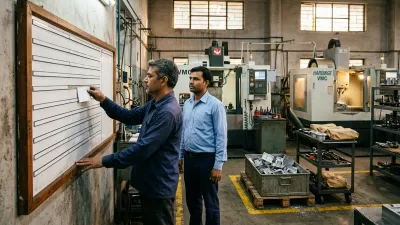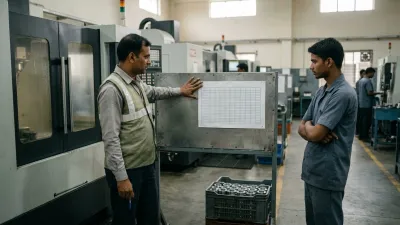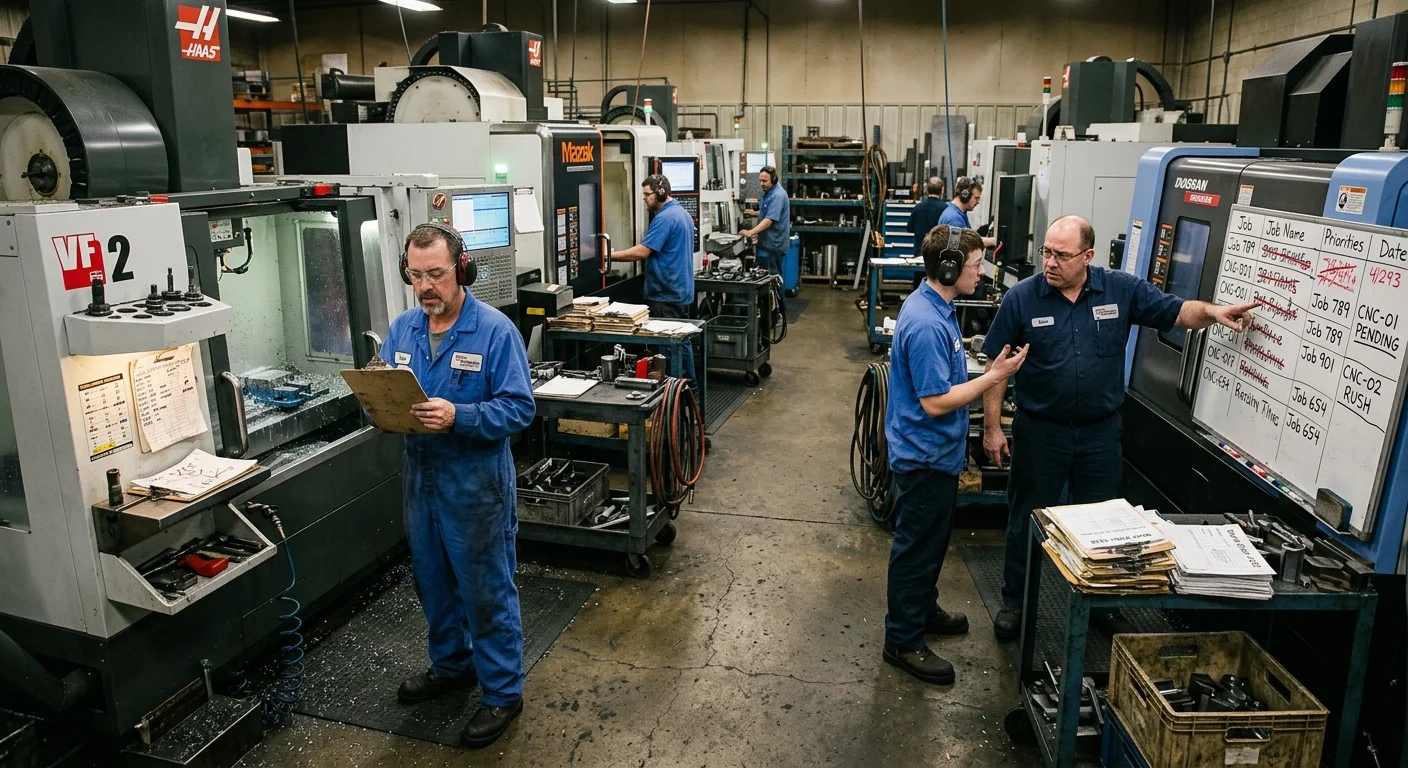
Every morning begins with a new plan. By afternoon, it's broken.
A machine sits idle waiting for its next job. Operators ask, "What's next?" An urgent order appears. A setup takes far longer than planned. By the end of the day, nobody can say what was actually finished, what's late or why the plan failed. So tomorrow you build a revised schedule, and it breaks again.
If that sounds familiar, you're dealing with one of the most common job shop scheduling problems: a schedule that fails before it ever reaches the floor. This article explains why it happens, what it costs, and five practical steps to build a CNC production schedule that holds.
What Most Shops Try First
Most shops assume the schedule itself is the problem. "Our scheduling isn't strong enough." "We need better planning." "Maybe we need software or ERP." "The planner needs to be stricter." So they respond by:
- Updating the schedule several times a day
- Adding time buffers to every job
- Pushing operators to follow the plan
- Trying new scheduling tools
None of it stabilizes anything, because scheduling isn't where the problem starts.
Why CNC Schedules Fail: The Problem Starts Before the Schedule
A schedule doesn't fail on the shop floor. It fails before it's created, because it's built on unstable inputs. What looks like a "schedule problem" is usually three other problems:
- An input problem: jobs are planned before material, tools, programs or drawings are confirmed ready, using setup and cycle times nobody has checked.
- A visibility problem: nobody can see the real status of machines or what's waiting, so the plan assumes capacity that isn't there. Here's how to know where every job is without walking the floor.
- A change-control problem: anyone can push a job ahead, and nobody works out what that does to everything else.
You're trying to control the output without controlling what feeds it. However good the schedule looks on paper, it stands on unstable ground.
What Actually Happens to One Job
Take one job planned on VMC-2: a 25-minute setup and a 12-minute cycle for 20 parts. On paper, that's 265 minutes. Here's what happens on the floor:
| What happened | Planned | Actual |
|---|---|---|
| Setup | 25 min | 25 min |
| Unclear drawing: the operator checks with engineering | 0 min | 15 min |
| Tool not available: arranged from another machine | 0 min | 20 min |
| 20 parts (a less experienced operator: 16 min per part instead of 12) | 240 min | 320 min |
| Total | 265 min | 380 min |
One job runs 43% over plan, and that's before the previous job overran, so VMC-2 wasn't even free when the schedule said it would be. Now multiply that across the 20 to 50 jobs running in parallel. Planned capacity is wrong, machine loading is distorted, the sequence collapses, and small deviations add up to a lost day.
Then one urgent order arrives. It gets pushed in by hand, everything else shifts, and nobody recalculates the impact. Now the schedule isn't just broken. It's irrelevant.
When that happens several times a week, urgent jobs start creating more urgent jobs. Here's how that spiral works, and how to stop it, when every job is urgent.
Underneath, the real issue is usually that production flow has already broken down. Machines can still be running most of the time, which makes machine utilization numbers look healthy while the shop is out of control. And because work keeps getting pushed into an unstable system, WIP keeps increasing.
What a Failing Schedule Costs You
- Delivery reliability: you stop trusting your own commitments, and customers start chasing.
- Hidden capacity loss: machines look busy, but extra setups, waiting and rework absorb the time.
- Growing WIP: jobs pile up between operations. More work is in the system, and less comes out. See what yours is holding with the free WIP calculator.
- Firefighting: the team spends more time reacting than executing.
- Margin: rush setups, overtime and expediting don't show up clearly, but they eat into your margin every day.
Why Better Scheduling Software Isn't the Answer
Scheduling software and ERP calculate a plan from the data they're given. If jobs aren't ready, times are estimates and priorities change by phone, the software produces a more precise plan that breaks just as fast. Software alone can't stabilize a shop that's reactive underneath. Fix the inputs and the change rules first. Then a tool helps.
How to Fix Job Shop Scheduling Problems: 5 Steps
Stop treating the schedule as the control tool. Treat it as the output of a stable system. These five steps stabilize what feeds it.
1 Release only ready jobs
Before a job goes on the schedule, check four things: material is in, the program is proven, tooling is available and the drawing is clear. A job that fails the check stays off the floor, so it can't block a machine.
2 Plan around the machine that limits output
Schedule your bottleneck first and sequence everything else to feed it. Other machines have spare capacity. The bottleneck decides what really ships.
3 Use real times, not estimates
Compare planned and actual setup and cycle times for your most common jobs, and update the plan with what really happens. Even a rough correction makes your capacity planning honest.
4 Freeze the current shift and agree one change owner
Treat the current shift's plan as fixed. Urgent jobs go into the next plan, unless one named person agrees the change and decides which job moves back to make room. If that person is always the owner, the plan stops when the owner is away: see why the shop floor can't run without you.
The same rules work when the change comes from your customer: here's how to keep the floor stable when the OEM changes the schedule.
5 Review once a day and record why jobs missed
Hold a 10-minute priority review at a fixed time every day. Count planned versus completed jobs and write down a reason for every miss. After two weeks, the reasons tell you which input breaks your schedule most, and that's what to fix next. Here is a one-page daily production plan format with the reason codes built in.
Until the inputs are reliable, the schedule will keep failing, no matter who builds it.
What a Stable Schedule Looks Like
You'll know the steps are working when the shop starts to look like this:
- The plan for the current shift rarely changes, and when it does, everyone knows why.
- Operators know their next two or three jobs without asking.
- Jobs on the schedule are ready to run when the machine becomes free.
- Every missed job has a written reason, and the same reason doesn't keep coming back.
- Delivery dates are promised based on the load at the bottleneck, not on hope.
None of this needs a perfect schedule. It needs a schedule that reflects what the floor can really do. A plan that's 80% right and followed beats a perfect plan that's abandoned by lunchtime, because the floor can trust it and customers get dates you actually meet.
Where to Start This Week
Don't try to fix every machine at once. Pick the machine that most often holds up deliveries. Check the next ten jobs planned for it against the four readiness questions (material, program, tooling, drawing) and fix what's missing before they're due. Then start the 10-minute daily review with just that machine's jobs. Within a couple of weeks, the reasons you record for missed jobs will show you where to go next.
If you plan in a spreadsheet, our guide to production planning in Excel turns these steps into a free template: a ready check for every job, machine load at the bottleneck and a 15-minute daily routine.
How We Solve This
At KeshRaghTech we start with an Operational Workflow Review to find which inputs are breaking your plan and where capacity is assumed instead of real. Then we design job readiness checks, release rules and change rules that fit your shop. We deliver them as a workflow application built around how you run, so the plan on the floor is always current and everyone works from the same priorities, and we coach your team until it runs that way every day.