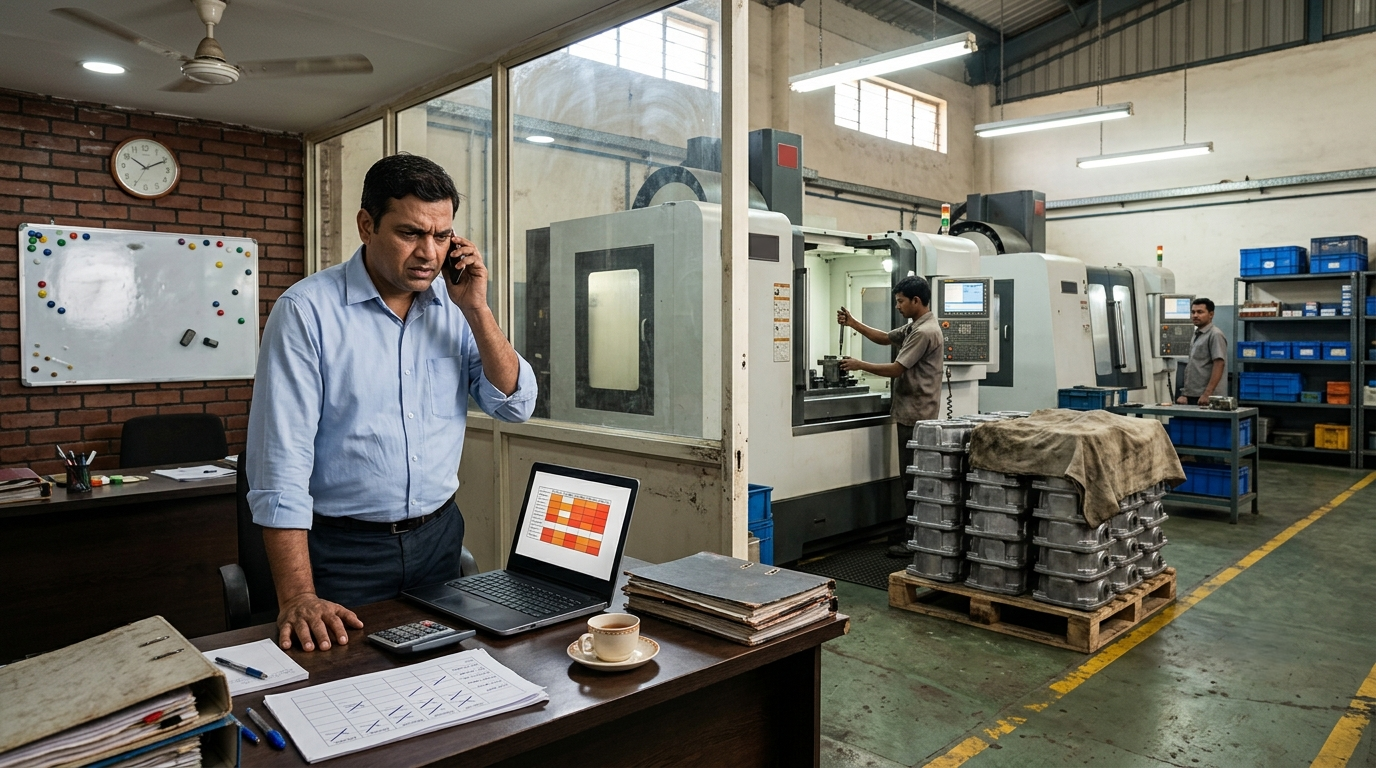
You plan the week on Monday. On Wednesday afternoon an email arrives from the customer: one part's quantity has gone from 800 to 1,400 for Friday dispatch, another part is pushed to next week, and a new part number is "urgent". By Thursday morning, two machines have been stopped and set up again, a half-finished job is parked on a pallet, and another customer's order has quietly slipped.
If you supply an OEM or a Tier-1, this is a normal week. Frequent schedule changes are part of the business: your customer's demand changes, so yours does. You can't stop the changes. What you can control is how each change enters your shop, and that decides whether you absorb it or whether it breaks the rest of the week.
This article covers why OEM schedule changes hurt suppliers so much, what one change really costs, and five rules that keep your floor stable when the customer schedule isn't.
Why the Changes Keep Coming
An OEM's schedule moves with dealer orders, exports, model mix and its own supply problems. A Tier-1 receives those changes and passes them on, often with its own on top. By the time a change reaches a Tier-2 or Tier-3 job shop, the notice is shortest and the pressure is highest. Typical changes look like this:
- Quantity up: the same date, more parts
- Pulled in: next week's parts are needed this week
- Pushed out or cut: parts already in progress aren't needed yet
- Mix change: fewer of one variant, more of another
- New urgent part: a part that wasn't in the schedule at all
Changes also grow as they travel down the chain. A small change at the OEM, say 5% more vehicles next week, can arrive at a Tier-2 as a much bigger swing: the Tier-1 adds a safety margin, catches up on a shortfall from last week, or pulls everything in at once because one of its own suppliers let it down. By the time it reaches your inbox, a small adjustment can look like a 50% jump on one part, with two days' notice.
None of this will stop. Large customers rarely change how they schedule for one supplier. The question is what your shop does in the hour after the change arrives.
The Real Problem: The Change Goes Straight to the Floor
In most shops a schedule change travels like this: the buyer calls or emails, the owner or sales says "yes, we'll manage", and someone walks onto the floor and changes what's running. Nobody checks what the change does to everything else before it happens.
So one change becomes many problems:
- A machine is stopped mid-run and set up for the pulled-in part. The first setup is wasted, and a second setup is needed later to finish the original job.
- Parts that were pushed out stay half-finished on the floor, adding to WIP that keeps increasing.
- Other customers' jobs move back without anyone deciding they should, and nobody tells those customers.
- The bottleneck machine gets overloaded, so overtime fills the gap, usually on Saturday.
- The plan stops meaning anything, so the floor waits for instructions instead of following it. That's why CNC schedules fail every day.
The customer's change caused one problem. The way it was absorbed caused the rest.
Not All Changes Are Equal
Shops tend to treat every change as an emergency. They aren't. Each type does something different to the floor and needs a different answer:
| Change | What it does to the floor | Usual answer |
|---|---|---|
| Quantity up | More hours on the same machines, often the bottleneck | Check the bottleneck load, then offer a split: part now, the rest on a date |
| Pulled in | Breaks the sequence; risks stopping a machine mid-run | Fit it in after the frozen period, or ship from buffer stock if you have it |
| Pushed out | Work already started gets parked | Finish the operation in progress, then stop at a sensible point and park it labelled |
| Cut | Material and finished parts left over | Stop new releases at once; confirm in writing what happens to parts already made |
| Mix change | Extra setups for a different variant | Group the variants that share a setup; agree the order with the buyer |
| New urgent part | Needs material, program and tooling that may not be ready | Check readiness first; give a date only once the program and material are confirmed |
Pushed-out and cut parts deserve the most care, because nobody chases them. Half-finished parts sit on the floor for weeks, get damaged or mixed up, and quietly tie up cash.
What One Change Really Costs
Take an example (the numbers are hypothetical). A Tier-2 shop supplies machined housings to a Tier-1. On Wednesday at 4 PM, the Tier-1 raises Friday's quantity of Part A from 800 to 1,400. The extra 600 parts need 4 minutes each on VMC 2, the shop's busiest machine: 40 more hours.
| What happened | Cost |
|---|---|
| VMC 2 stopped mid-run on Part B to set up Part A | 2 setups (3 hours) instead of none |
| 300 Part B housings parked half-finished | Cash tied up, floor space, risk of damage |
| Job C for another customer moved back on VMC 2 | Delivered 4 days late |
| Saturday and Sunday overtime on VMC 2 and inspection | About 20 overtime hours |
| Friday afternoon: the Tier-1 only takes 1,100 | 300 extra Part A in stock |
The shop said yes, worked the weekend, and still ended the week with a late customer, a parked job and surplus stock. Nothing about that was the customer's fault alone. It came from accepting the change before checking it.
The Same Change, Handled With Rules
Now replay Wednesday at 4 PM in a shop that has the rules described below.
- 4:00 PM: the email goes to the planner, who owns all customer changes. Nobody touches the floor.
- 4:20 PM: the planner checks the impact. VMC 2 has about 12 spare hours this week plus a planned Saturday shift. Material for Part A is in stock. Part B is mid-run and inside the frozen period, so it finishes.
- 4:30 PM: the planner replies: "We can send 1,000 on Friday and the remaining 400 on Tuesday. If all 1,400 are essential for Friday, Job C for another customer moves out by four days. Please confirm which you need."
- 5:15 PM: the buyer confirms 1,000 on Friday, 400 on Tuesday.
The result: Part B finishes its run with no extra setup, Job C ships on time, overtime is the one Saturday shift already planned, and the customer gets a date they can rely on. On Friday the Tier-1 cuts the total to 1,100. The 1,000 have already shipped, so Tuesday's batch drops from 400 to 100, and the Saturday shift makes only those. Nothing is left over, because the second batch hadn't been made yet.
The change was exactly the same. The 30 minutes between receiving it and answering it made the difference.
5 Rules That Keep the Floor Stable
None of these rules need software or the customer's agreement. They only change what happens inside your shop between receiving a change and acting on it.
1. Freeze the next two days of your own plan
Many suppliers can't get a frozen period written into the customer agreement. You can still freeze your own floor plan. Decide that today's and tomorrow's work doesn't change, except in a real emergency agreed by one named person. Customer changes go into the plan from the day after. Work that's already set up finishes its run. This one rule removes most wasted setups.
2. Send every change through one person
All customer changes, whether by email, portal, phone or WhatsApp, go to one change owner, usually the planner. Sales and the owner still talk to customers, but they don't change floor priorities directly. When three people can change the plan, it changes three times. The same applies to hot jobs inside your shop: here's how one priority owner and a simple rule work when every job is urgent.
3. Check the impact before you answer
Before replying, the change owner spends up to 30 minutes on three questions:
- Capacity: how many hours does it add to the bottleneck machine this week? (If you don't know which machine that is, here's how to identify bottlenecks in manufacturing.)
- Material and tools: is the material, program and tooling ready for the extra or pulled-in parts?
- Knock-on: which other jobs move, and whose delivery does that affect?
If you plan in a spreadsheet with machine load per machine, as in our guide to production planning in Excel, the capacity question takes minutes.
4. Answer with a date, not a yes
Reply the same day with what you can do: "We can send 300 extra on Friday and the remaining 300 on Tuesday." Or: "We can do all 600 by Friday if Part B moves to Monday. Please confirm." A buyer can plan with a dated answer. A yes that later slips is what really damages trust and the delivery rating. Most buyers would rather know on Wednesday than discover it on Friday.
5. Log every change
Keep a simple log: date received, customer, part, what changed, how much notice you got, and what it cost (extra setups, overtime, other jobs delayed). A notebook or one spreadsheet tab is enough. After a week it looks something like this:
| Received | Customer | Part | Change | Notice | Cost |
|---|---|---|---|---|---|
| Mon 11:00 | OEM B | Shaft 552 | Pulled in 3 days | 2 days | 1 extra setup |
| Tue 15:30 | Tier-1 A | Bracket 087 | Pushed 1 week | 1 day | 120 parts parked |
| Wed 16:00 | Tier-1 A | Housing 214 | Qty 800 to 1,400 | 2 days | Split delivery agreed |
| Fri 10:15 | Tier-1 A | Housing 214 | Qty 1,400 to 1,100 | Same day | None (split delivery) |
It takes a minute per change. After a month it shows which customer and which parts change most, how much notice you really get, and what the changes cost you. That's the basis for everything in the next two sections.
Two Ways to Absorb Changes Without Chaos
Keep a small buffer for the parts that change most
The change log usually shows that a handful of regular, high-volume parts cause most pull-ins. For those parts only, keep a small stock of finished parts, or parts stopped just before the last operation, so a pull-in can ship without stopping a machine. A buffer for every part ties up cash. A buffer for the right five parts can absorb most of the shocks.
Reserve a little capacity on the bottleneck
If every hour on your busiest machine is planned, any change means something else is late. Planning the bottleneck at around 85 to 90% of its available hours leaves room for the changes you know will come. That spare time isn't waste. It's what lets you say yes to the right changes without breaking other promises.
Talking to the Customer About Schedule Stability
After two or three months of logging, you can have a different conversation with the buyer. Not "you keep changing everything", but something like: "Last quarter we received 46 changes on 12 parts, 30 of them with less than three days' notice. Most were on these four parts. If we get a firm schedule for one week ahead on those four, we can keep a buffer and you'll get every pull-in on time."
That kind of specific, fact-based request is far more likely to be accepted than a general complaint, because it solves a problem for the buyer too. Their delivery rating depends on yours.
Common Mistakes When the Schedule Changes
- Saying yes on the phone. The answer is given before anyone has looked at the floor. Say "I'll confirm by 5 PM today" instead, and keep that promise.
- Acting on forecasts as if they were orders. Releasing material and machine time against the tentative part of a schedule is how shops end up with surplus stock when it changes again. Build to the firm part; plan for the forecast.
- Building ahead on everything. Making extra of every part "just in case" fills the floor with WIP and still misses the part that actually gets pulled in. Buffer only the parts the change log says are worth it.
- Letting the biggest customer silently push others back. Sometimes moving another customer's job is the right call. Make it a decision someone takes and communicates, not something that just happens.
- Forgetting pushed-out work. Every parked job should have a label, a location and a date to review it. Otherwise it becomes scrap or a surprise at stocktaking. An "On hold" status with a reason and an owner keeps it visible: see where is my job?
- Blaming the customer in the review. Customer changes will continue. The useful question in the weekly review is which changes cost you most, and which rule would have reduced that cost.
Where to Start This Week
- Name one change owner and tell the team: customer changes go through them.
- Freeze today and tomorrow on the floor. New changes start the day after.
- Start the change log today with the next change that arrives.
- Reply to the next change with a date, after checking the bottleneck.
None of this needs new software or the customer's permission. It only needs everyone in the shop to agree how changes come in.
How We Solve This
At KeshRaghTech we start with an Operational Workflow Review: how customer changes reach your floor today, who changes priorities, and what each change really costs in setups, overtime and late deliveries. Then we design clear rules for receiving, checking and answering changes, and deliver them as a workflow application built around how you run, so every change is logged, its impact on the bottleneck is visible before you reply, and the floor works from one current plan. We coach your team until handling changes this way is routine.
Related reading: Why CNC Schedules Fail Every Day · Production Planning in Excel for CNC Job Shops · How to Identify Bottlenecks in Manufacturing · When Every Job Is Urgent · Where Is My Job?