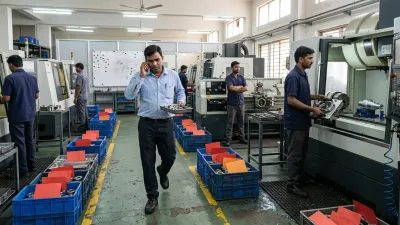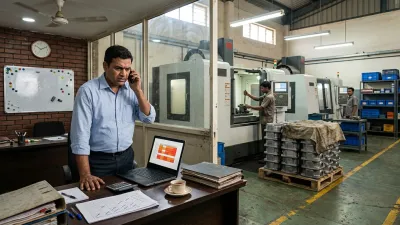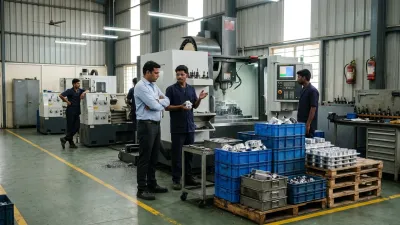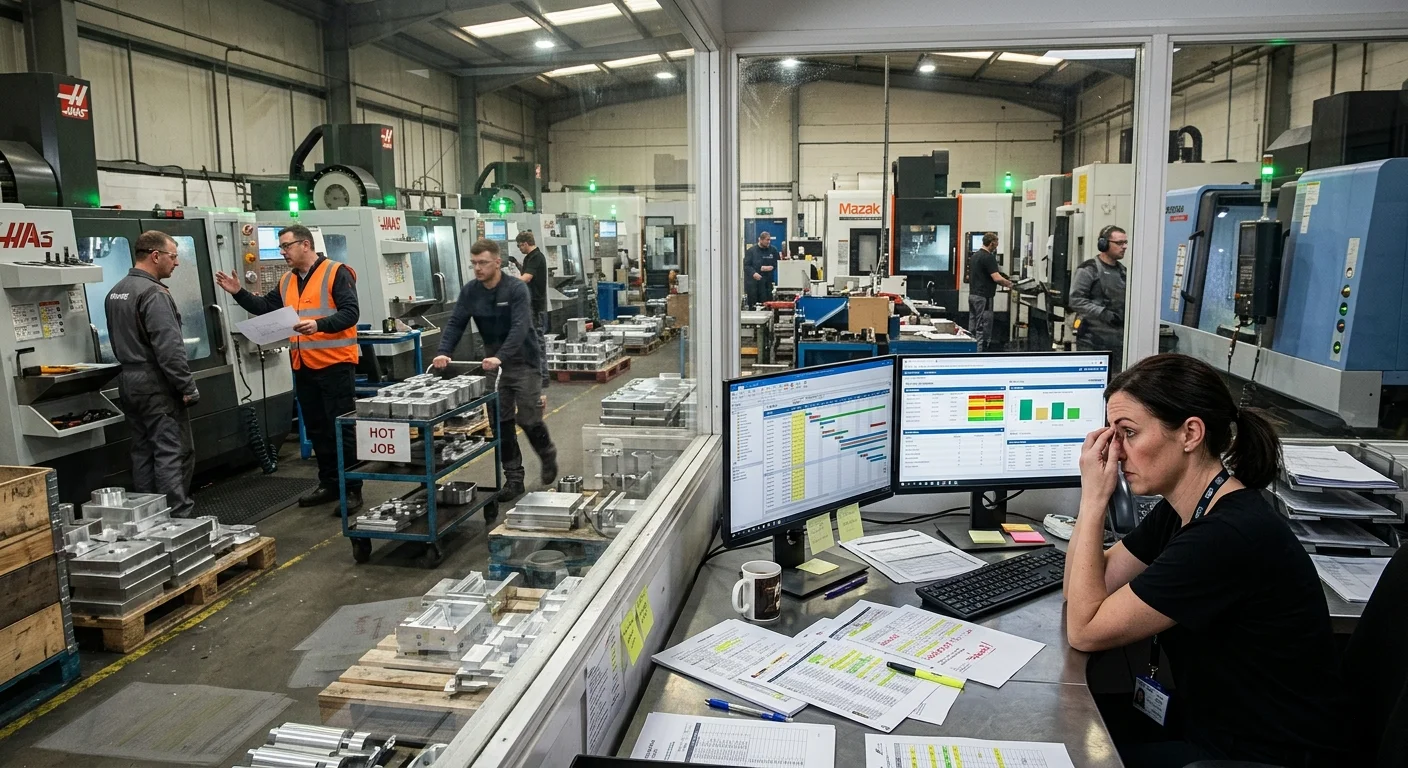
A CNC shop starts struggling. Schedules keep shifting. WIP keeps growing. Urgent jobs interrupt planned work. Delivery dates become hard to trust. Eventually someone says: "We need an ERP system."
That decision usually comes from a real pain point. The business wants better visibility, planning, coordination and control. So the ERP project begins. Months later, dashboards are live, reports are available and data entry has improved.
But on the shop floor, the same problems are still happening. Priorities still change constantly. Schedules still collapse. WIP still grows. Expediting still runs production. That's when many shops quietly realize the ERP is not working the way they hoped, and it's not because the software is bad. The chaos was never just an information problem.
The Common Assumption
Many manufacturers believe that better software visibility will stabilize operations. But operational instability starts much deeper than software. It starts in uncontrolled job release, unstable priorities, overloaded production flow, unrealistic scheduling assumptions and local decisions on the floor. An ERP can record these problems. It can't correct them on its own.
ERP Makes Existing Problems More Visible, Not Solved
ERP systems are extremely useful when the operation underneath is controlled. When the workflow itself is unstable, the ERP simply reflects the instability faster: the schedule changes faster, priority conflicts become more visible, delayed jobs are easier to track and WIP data becomes more accurate. But the behaviour on the floor stays the same. The business becomes digitally organized, while operationally reactive.
What Actually Happens on the Shop Floor
Take a real-world scenario. The ERP schedule says Job A moves to milling at 2 PM, Job B is next priority and material for Job C arrives tomorrow. Reality looks different:
- Job A is still waiting: tooling isn't available, the previous operation overran and inspection delayed its release.
- A customer escalates another order, so production changes priority by hand.
- Operators pull whichever work is available, supervisors reshuffle jobs verbally and planning starts adjusting the schedule manually again.
Within hours, the ERP no longer reflects the floor, people stop trusting the schedule and reactive management returns. The software didn't fail. The production system underneath was already unstable. That's exactly why CNC schedules fail every day: scheduling accuracy depends on operational stability first.
Three Things an ERP Can't Do on Its Own
1. Control WIP
Many shops expect WIP to fall once the ERP tracks work properly. But tracking congestion isn't the same as controlling it. If too much work is still released, queues still grow, jobs still wait, bottlenecks still overload and lead times still stretch. The ERP just shows more accurate congestion data. WIP growth is a workflow control problem, not a visibility problem.
2. Fix the wrong performance numbers
If decisions are still driven by machine utilization targets, local efficiency figures and "keep every machine busy" thinking, the ERP often speeds up the wrong behaviour: it pushes more jobs faster into an already overloaded workflow. The software becomes efficient while flow gets worse. That's why machine utilization numbers are lying to you.
3. Create flow discipline
Most operational chaos in job shops comes from unstable production flow, uncontrolled work movement, overloaded scheduling, shifting priorities and disconnected decisions, not from a lack of software. An ERP can support a stable system, but it can't create the discipline by itself. Once production flow breaks down, software alone can't restore control.
Signs Your ERP Problem Is Really a Workflow Problem
- People keep Excel sheets or whiteboards alongside the ERP to run the floor
- Shop-floor data is entered hours or days after the work happened
- ERP schedules are regularly overridden by phone calls or verbal instructions
- Jobs show "in progress" for weeks (here's what useful job status should tell you)
- Planners rebuild the schedule by hand every day
- The problems that justified the ERP carried on after go-live
If several of these sound familiar, replacing the ERP won't help. The next system will record the same chaos.
ERP vs Shop-Floor Workflow: Who Does What
Much of the frustration comes from expecting the ERP to do a job it wasn't built for. In a well-run job shop, the work splits roughly like this:
| Area | ERP | Shop-floor workflow |
|---|---|---|
| Orders, quotes and invoicing | Built for it | Not its job |
| Inventory and purchasing | Built for it | Uses its data |
| When a job is released to the floor | Records it | Decides it, by agreed rules |
| What runs next on each machine | Plans it on paper | Keeps it current, shift by shift |
| Where each job is right now | As current as the last data entry | Updated as work moves |
| Priority changes during the day | Overwritten by hand | One owner, agreed rules |
The right-hand column doesn't have to be software at first. It can be clear rules, a priority board and a daily review. What matters is that someone owns it.
Many shops start with a spreadsheet, and that works if it's set up as a plan rather than a list of orders: here's how to make production planning in Excel work, with a free template.
Before You Buy, Replace or Re-implement an ERP: 5 Questions
- Do you know which machine limits your output? Without that, no system can plan realistic capacity.
- Is there a rule for when a job may be released to the floor? If not, the system will release everything.
- Who decides when priorities change? If the answer is "whoever shouts loudest", the schedule won't hold in any software. Here's how to set one priority owner and a simple rule when every job is urgent .
- Do routings and realistic times exist for your main parts? A plan is only as good as the times behind it.
- Who updates job status on the floor, and how quickly? Late data makes any system untrustworthy.
The Emotional Reality Most Leaders Feel
ERP implementations are expensive, time-consuming and disruptive. So when the problems carry on afterwards, leaders feel frustrated, disappointed and unsure where the real issue is. The expectation was that operations would stabilize once the ERP went live. But software can't replace workflow discipline, controlled execution, production coordination or operational decisions. Those still have to exist on the floor.
What Actually Helps
An ERP becomes powerful when it supports an already controlled workflow: stable priorities, controlled release of work, realistic scheduling, clear ownership and decisions based on flow. Then ERP visibility becomes valuable, planning becomes more reliable, reports become meaningful and coordination improves naturally. The software amplifies operational control. It doesn't create it.
In practice, the order matters. First agree the rules on the floor: when a job is released, who changes priorities and how status is updated. Then run those rules for a few weeks until they stick. Only then configure the ERP to support them. Shops that do it the other way round usually end up bending the floor to fit the software, and the workarounds start on day one.
ERP systems aren't the enemy, and many CNC shops need one. But expecting ERP alone to fix operational chaos is a costly misunderstanding. Until the operation itself is stable, the chaos simply becomes digital.
How We Solve This
We don't sell or replace ERP systems. At KeshRaghTech we start with an Operational Workflow Review to see how work is actually released, prioritised and tracked on your floor. Then we design the release, priority and status rules your shop needs, and deliver them as a workflow application that runs alongside your ERP: the ERP keeps handling orders, inventory and accounts, while the floor gets a clear, current picture of what to run next. We coach your team until it runs that way every day.
Related reading: What Breaks Production Flow in CNC Job Shops · Why CNC Schedules Fail Every Day · Why Your WIP Keeps Increasing (and How to Reduce It) · Production Planning in Excel for CNC Job Shops · When Every Job Is Urgent · Where Is My Job?