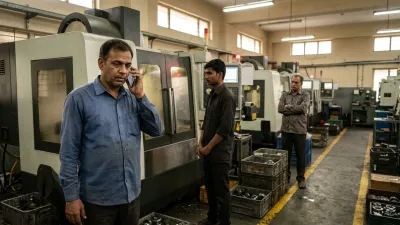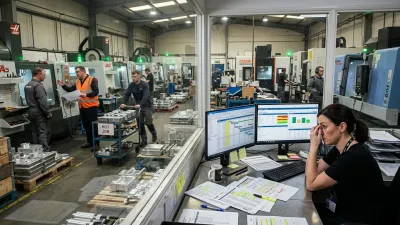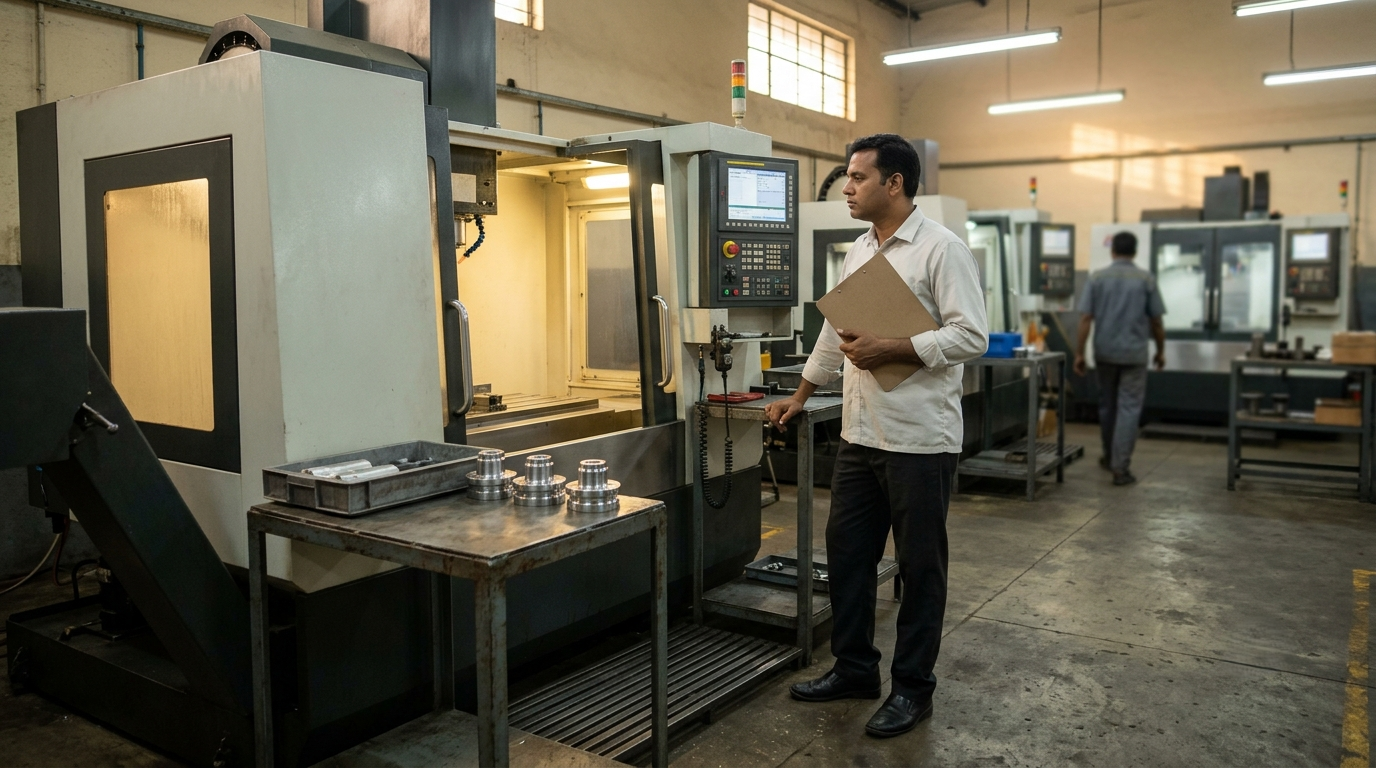
It usually starts with late deliveries. Jobs queue up in front of the busiest machine, the customer calls, and someone says what everyone is thinking: "We need another machine." A quote is requested. The salesperson visits.
Before you decide whether you should buy another CNC machine, there's a cheaper question to answer first: how many hours do your current machines really deliver, and where do the rest go? That is CNC machine capacity planning, and in many job shops it shows that the limit isn't the machine at all.
This guide explains how to plan CNC machine capacity with three numbers, how to find where a machine's hours go, an 8-question check to run before you sign a purchase order, and a free Excel template to do the sums. It also covers the honest part: when buying another machine is the right call.
What CNC Machine Capacity Planning Really Means
Capacity planning answers one question: can the shop deliver the work it has promised, in the time it has promised? For each machine, three numbers matter, and most shops only know the first.
| Number | What it is | How to get it |
|---|---|---|
| Available hours | What you have on paper | Shifts × hours per shift × days per week |
| Productive hours | What the machine really delivered | Cutting + setup hours from a two-week log |
| Demand | What you need it to deliver | Open work: setup + quantity × run time, for the next 4 weeks |
The gap between available and productive hours is where most shops' "missing capacity" is hiding. Compare demand with both numbers and you can tell three situations apart:
- Demand fits today's productive hours: no capacity step needed.
- Demand is above productive hours but within the available hours: a flow problem. The hours exist and are being lost.
- Demand is above the available hours: a capacity problem. Only now are extra shifts, outsourcing or a machine on the table.
Why "We Need Another Machine" Is Often a Guess
When work piles up in front of a machine, it looks like that machine is the limit. It might be. But a queue in front of a machine can also be caused by what happens before and after it.
- The machine waits, then everything arrives at once. It sits idle for want of material or a program, then three jobs land together and the queue appears.
- Setups and first-piece approval take a big part of the day. The spindle isn't cutting, but the machine is "busy".
- Nobody is there. Shift changes, lunch and absences leave the machine empty while the queue grows.
- The real limit is downstream. Inspection or outside work holds jobs, and the machine ahead of it fills up.
A new machine would inherit every one of these. It adds hours on paper, and the same share of them gets lost. This is the same logic as in why machine utilization numbers are lying to you: busy time is not output.
Where a CNC Machine's Hours Really Go
Take one machining centre in an example shop (the numbers are hypothetical, and they're the sample data in the free template). VMC 1 runs two shifts of 8 hours, six days a week: 96 available hours a week. After two weeks of logging, the weekly average looked like this:
| Where the hours went | Hours per week | Share of 96 |
|---|---|---|
| Cutting | 44 | 46% |
| Setup and first-piece approval | 14 | 15% |
| Waiting for material, program, tool, drawing or inspection | 22 | 23% |
| No operator (shift change, breaks, absence) | 8 | 8% |
| Breakdown and maintenance | 4 | 4% |
| Idle, no job at all | 2 | 2% |
| Not logged | 2 | 2% |
The owner thought of VMC 1 as "running all the time". The log says it delivered 58 productive hours (cutting plus setup) out of 96. And 30 hours a week (waiting plus no operator) were lost to things that have nothing to do with the machine itself.
Owners are often surprised by this, because nobody was counting. The machine always looked occupied. A log shows what an occupied-looking machine is actually doing.
How to Plan CNC Machine Capacity: 5 Steps
1 Work out the available hours per machine
Shifts × hours per shift × days per week. Do this per machine, not for the whole shop: a machine on one shift has half the hours of one on two.
2 Log where the hours go for two weeks
Ask each operator or supervisor to note, per shift, how long the machine was cutting, in setup or first-piece approval, waiting (and for what), without an operator, down, or idle with no job. Use the template's categories so the totals line up. Keep it simple: a sheet on the machine, filled in at the end of the shift. Two weeks is enough to see the pattern.
3 Calculate productive hours and the hours you could win back
Productive hours are cutting + setup. The hours you could win back are the waiting and no-operator hours: these are lost to the shop's flow, not to the machine's capability.
4 Add up the demand
For each machine, add the hours of open work for the next 4 weeks: setup + quantity × run time per piece ÷ 60, per operation. Use your routings or job sheets. It doesn't have to be exact: a rough figure is enough to tell the three situations apart.
5 Compare demand with both numbers
Demand against productive hours tells you whether today's output is enough. Demand against available hours tells you whether there's any room at all. Where you are in between, ask whether the hours you could win back close the gap.
Example: Three Machines, Three Different Answers
Back to the example shop. Five machines, one decision on the desk: buy another machining centre. Here is what the numbers said for four weeks of open work (all hypothetical):
| Machine | Available (4 wks) | Productive now (4 wks) | Open work (4 wks) | Verdict |
|---|---|---|---|---|
| VMC 1 | 384 h | 232 h | 330 h | Flow problem: 98 h short of today's output, 120 h could be won back |
| VMC 2 | 384 h | 256 h | 300 h | Flow problem: 44 h short, 96 h could be won back |
| HMC 1 | 384 h | 328 h | 450 h | Capacity problem: 66 h more work than the hours available |
| Lathe 1 and 2 | 192 h each | 104 h and 92 h | 90 h and 80 h | Fit today's output |
Without the numbers, the owner would have bought another VMC. With them, the picture is different. The two VMCs are short of hours on paper but are losing 30 and 24 hours a week to waiting and gaps. Winning back even half of that covers most of the shortfall. The lathes have room. And one machine, the HMC, is a genuine capacity problem: 450 hours of work for 384 hours of machine. That is where an extra shift, outsourcing or a machine is a real discussion.
Same shop, same question, three different answers. A single decision to "buy a machine" would have been right for one of five machines, and wrong, or at least premature, for the rest.
Before You Sign the Purchase Order: 8 Questions
For the machine you're thinking of adding, answer these. Yes means the answer supports buying.
- Do jobs queue in front of this machine, rather than before or after it?
- Does your log show it cutting or setting up for most of its available hours?
- Is little of its time lost to waiting for material, programs, tools, drawings or inspection?
- Is its open work for the next 4 weeks more than its available hours?
- Have you already tried an extra shift, Saturday or outsourcing on it, and it is still not enough?
- Is the demand steady (repeat customers, a similar level for 3 months or more), rather than one big order?
- Do you already have the operator, programmer and inspection capacity to run another machine from day one?
- Have you checked that the extra hours will be paid for: work booked, price, and the repayment?
Seven or eight Yes answers: the numbers back a new machine. Four to six: not yet, close the gaps marked No first. Three or fewer: the machine is probably not your problem, and the hours are better won back first. The template scores this for you.
What Another Machine Really Costs
The price of the machine is the visible part. What the machine needs around it is the rest:
- An operator. Often the hardest thing to find, and the machine is idle without one.
- A programmer and setup person. More machine hours means more programs to write and prove, which can make programming the next bottleneck.
- Tooling, fixtures and holders for the work it will run.
- Inspection capacity. More parts produced means more to measure. If inspection is already a queue, a new machine just makes it longer.
- Floor space, power and material flow around it.
- More work in progress if flow doesn't change. A new machine feeding the same disorganised floor adds jobs to the queue. See how to calculate WIP for what that costs.
None of this means "don't buy". It means the real decision is about the whole chain around the machine, not the machine alone.
When Buying Another Machine Is the Right Call
Sometimes it is. The signs are specific:
- The machine really is the bottleneck. You can confirm it with the checks in how to identify bottlenecks in manufacturing, or put your machines into the free Bottleneck Finder.
- The log shows its hours are well used, and the lost hours that remain are small.
- Open work stays above its available hours, month after month, not just in one rush.
- An extra shift or outsourcing has been tried and doesn't solve it, or costs more per hour than owning a machine would.
- You can staff, program and inspect it from the first day.
When these are true, buy with confidence. You will know which machine, how many hours you need from it, and what it must deliver to pay for itself. That is a much stronger position than buying because deliveries are late.
Free Template: CNC Machine Capacity Check (Excel)
We built a free capacity check around exactly these steps:
- Hours: available hours per machine, a weekly hours log (cutting, setup, waiting, no operator, breakdown, idle), productive hours and the hours you could win back
- Demand vs capacity: open work for the next 4 weeks against available and productive hours, with a verdict per machine: fits, flow problem or capacity problem
- Before you buy: the 8 questions above, scored
It's a normal .xlsx file: no macros, no sign-up. The sample machines are hypothetical, so overwrite them with your own.
Download the CNC machine capacity check (Excel)
If you also need to plan jobs machine by machine, our production planning template picks up where this one stops.
When a Spreadsheet Stops Being Enough
A capacity check in Excel works well as a decision tool, run once or every quarter. It struggles as a daily tool. The hours log gets filled in late or not at all, the numbers go stale, and the people who could use them don't see them while jobs are running.
If you find yourself keeping capacity data by hand every week, that is the sign to move the data to where the work happens, updated by the people doing it.
How We Solve This
At KeshRaghTech we start with an Operational Workflow Review: how your busiest machines are used today, where their hours are lost, and what stands between the plan and the floor. Then we design clear release, priority and handover rules around your shop, and deliver them as a workflow application built for how you run, so jobs reach each machine ready and its hours are visible as they happen, not at the end of a two-week log. Finally, we coach your team until running it is routine. Some shops still add a machine afterwards. The difference is that they add the right one, for a reason they can explain.